

AI music video only looks great when its visuals match lyrics, drops, stems, pacing, and mood, rather than unrelated clips laid over a song track.
I mean, this is the first thing musicians look for when searching for some of the best Freebeat alternatives for AI music videos.
But this is where the problem starts…
Along with those, you also need scenes that make sense together, characters that look consistent, and most importantly, you need enough editing control to make the finished video feel like it belongs to your own music.
The opportunity is worth taking seriously also because on YouTube, the platform’s top 10 AI-music channels have collectively generated more than 840 million views and an estimated $1.6 million in revenue over three years.
Btw, there is no doubt that Freebeat makes your music video creation easier by generating visuals that follow a song’s rhythm. But you have to accept that beat synchronisation isn’t everything.
Some musicians need cinematic story-based music videos, others prefer abstract animations, and some simply want to turn existing footage into a finished music video.
So, in this article, you’ll get
- A detailed comparison of six Freebeat alternatives for AI Music Video Creation in 2027
- The best AI music tools for beat synchronisation, cinematic scenes, animation, and editing
- A clear explanation of which platform fits your music and creative workflow
- Common mistakes to avoid for more consistent and watchable AI music videos
So, let’s start.
Why Look for a Freebeat Alternative for Music Videos?
Freebeat is an AI music video generator that helps creators turn songs into videos. Users can upload music or provide supported links from platforms such as SoundCloud, YouTube, and Suno. It analyses the rhythm and structure of the track to generate visuals that follow the music.
The platform supports music videos, dance videos, lyric videos, and karaoke-style content. Its music-first approach is useful for creators who want automated scene generation and beat synchronisation.
That means Freebeat can be a convenient starting point when you want to turn a finished song into a visual video quickly.
But musicians often need more than automatic beat matching.
They want visuals that follow the song’s emotional changes, characters that remain consistent, and scenes that feel like part of one creative world.
This is why they want a useful alternative to Freebeat to control characters, locations, audio-reactive animations, camera movements and others to generate the best piece of audio-visual content.
Quick Comparison of the Best Freebeat Alternatives
Here we compared the top six Freebeat alternatives for AI music video creation in 2027
| Tool | Best for | Main capability |
|---|---|---|
| Invideo Agent | Cinematic and story-based music videos | AI scene generation and text-based editing |
| Kaiber | Artistic and stylized music videos | Beat Sync and creative video generation |
| Neural Frames | Audio-reactive music visualizers | Music-driven animation and visual effects |
| Rotor Videos | Videos using existing footage | Automatic editing and stock media |
| Runway | Cinematic music video scenes | Text-to-video and image-to-video generation |
| CapCut | Short music videos and teasers | Beat-synced templates and timeline editing |
6 Best Freebeat Alternatives for AI Music Videos in 2027
Here are the 6 best Freebeat alternatives for AI music videos
- Invideo Agent: Best Freebeat Alternative for Story-Driven AI Music Videos
- Kaiber: Best Freebeat Alternative for Experimental Beat-Synced Videos
- Neural Frames: Best Freebeat Alternative for Audio-Reactive Visuals
- Rotor Videos: Best Freebeat Alternative for Editing Existing Footage
- Runway: Best Freebeat Alternative for Cinematic Music-Video Scenes
Now… Let’s get into each of these
1. Invideo Agent: Best Freebeat Alternative for Story-Driven AI Music Videos
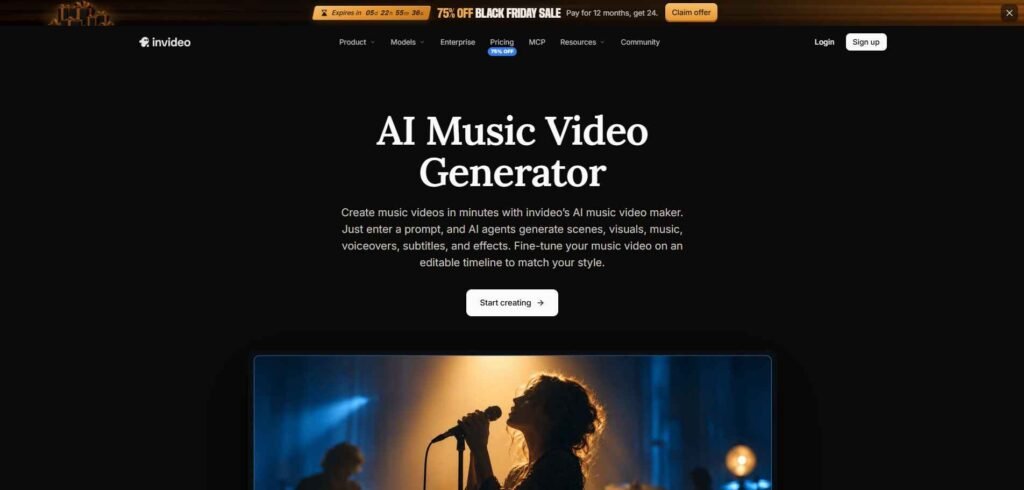
Invideo Agent is an AI filmmaking platform that helps musicians create videos from written concepts, scripts, and creative descriptions. Here, you can describe characters, locations, camera movements, and the atmosphere you want to build a music video from a creative concept rather than simply matching visuals to an uploaded song.
With InVideo’s AI music video maker, you can generate scenes, animations, music, voiceovers, and sound effects from text prompts.
The platform also supports changing scenes, music, and other video elements through written instructions. This makes it useful for artists who want a visual story that follows their creative direction rather than relying only on automated beat synchronisation.
Best for
- Musicians who already have a clear visual concept
- Story-driven music videos with multiple scenes
- Artists who want to direct characters, locations, and camera movement
- Creators who want to revise a video without rebuilding it manually
- Beginners who prefer written instructions over complex editing timelines
Freebeat vs InVideo Agent: A Close Look
| Freebeat | InVideo Agent |
|---|---|
| Starts with the uploaded song | Starts with a written concept or script |
| Focuses on rhythm and beat matching | Focuses on storytelling and creative direction |
| Faster for automatic music-led visuals | Better for planned scenes and narrative videos |
| Limited control over individual scenes | It allows you revise scenes through written prompts |
| Best for quick music visualizers | Best for story-driven AI music videos |
What Makes InVideo Agent a Strong Alternative to Freebeat
Freebeat is built around a music-first workflow where you upload a song, match visuals to its rhythm, and generate a video quickly. That makes it convenient when your main goal is automatic beat synchronisation.
On the other hand, InVideo Agent takes the opposite approach. It uses a concept-first workflow, where you describe the music video you want and then generate scenes, animations, voiceovers, music, and sound effects from written instructions. You can also revise the video by asking it to change a scene, replace music, adjust the mood, or modify the visual direction.
So, InVideo is a strong Freebeat alternative when you care more about creative control, storytelling, and scene direction than fully automatic beat synchronisation.
2. Kaiber: Best Freebeat Alternative for Experimental Beat-Synced Videos
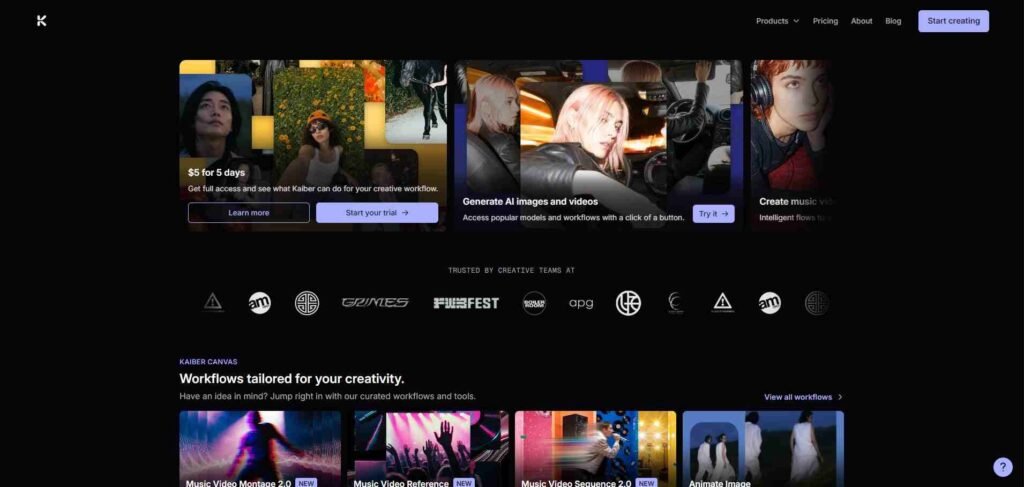
Kaiber is an AI creative platform that helps with music synchronisation, video generation, reference images, and editing tools. It is useful for musicians who want visuals that respond to their song while still having control over the artwork, animation style, and overall direction.
Here, you can upload your audio along with images or video clips, use the Beat Sync workflow to match visual changes with the music, and then refine the result in Kaiber’s Canvas and editor. This makes it suitable for experimental music videos, animated visuals, album artwork videos, and promotional clips.
Best for
- Artists creating experimental or abstract music videos
- Electronic, ambient, hip-hop, and instrumental musicians
- Beat-synced animations and music visualizers
- Creators who want to use their own images or footage
- Artists who want more editing control after generation
Freebeat vs Kaiber: A Close Look
| Freebeat | Kaiber |
|---|---|
| Focuses on fast music-led generation | Combines beat sync with creative editing |
| Best for quick automated visuals | Better for experimental visual direction |
| More dependent on generated scenes | Lets you use images, videos, and references |
| Limited post-generation control | Includes Canvas and an editor |
| Good for simple music videos | Better for animated and abstract projects |
What Makes Kaiber a Strong Alternative to Freebeat
Freebeat is mainly focused on quickly generating visuals around a finished song.
On the other hand, Kaiber also supports music synchronisation, but gives you more room to add reference images, uploaded footage, animation styles, and custom visual materials.
Overall, Kaiber is a strong Freebeat alternative when you want beat synchronisation plus creative control over your visual materials.
It may require more experimentation, but that extra control helps you create a music video that feels connected to your sound instead of looking like unrelated AI clips.
3. Neural Frames: Best Freebeat Alternative for Audio-Reactive Visuals
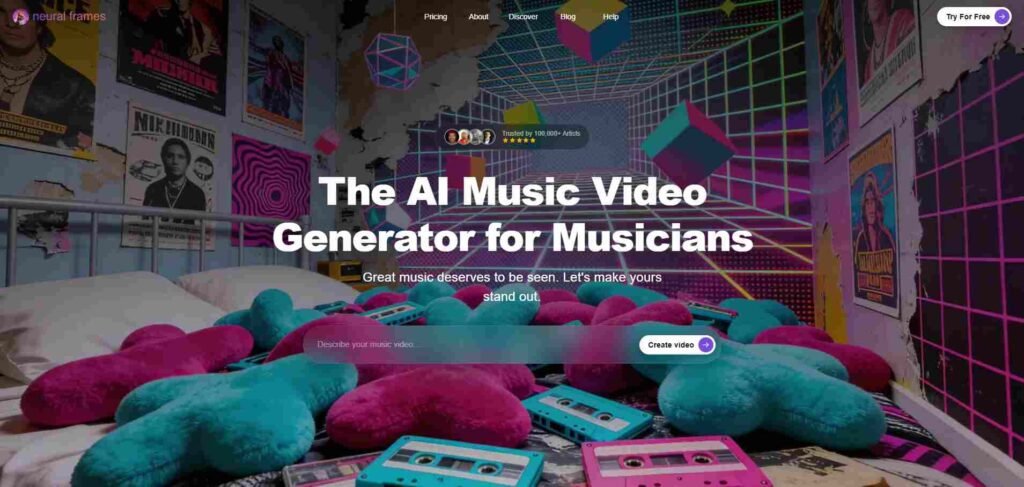
Neural Frames is designed for musicians who want visuals to respond to individual elements of a song. The platform analyses uploaded audio and separates musical elements such as drums, bass, and vocals, allowing artists to connect visual movement with specific sounds.
This makes Neural Frames especially useful for electronic, ambient, instrumental, and experimental music where rhythm, texture, and atmosphere are central to the visual experience.
Neural Frames also supports automated music video creation and detailed editing controls for adjusting scenes, visual effects, and timing.
Best for
- Electronic and ambient musicians
- Instrumental artists and producers
- Audio-reactive music videos
- Visualizers based on drums, bass, or vocals
- Artists who want detailed control over timing and visual effects
Freebeat vs Neural Frames: A Close Look
| Freebeat | Neural Frames |
|---|---|
| Works mainly with the overall song rhythm | Can respond to individual audio elements |
| Faster for simple music-video generation | Better for detailed audio-reactive visuals |
| Less focused on stem-level control | Built around drums, bass, vocals, and timing |
| Suitable for general music videos | Strong for electronic and experimental projects |
| Easier for beginners | Better for creators who want deeper control |
What Makes Neural Frames a Strong Alternative to Freebeat
Freebeat can quickly generate visuals based on a song’s overall rhythm.
On the opposite side, Neural Frames gives you more detailed control over how individual parts of the audio influence your visuals. Here, you can build movement around a bassline, make effects react to drums, or create transitions around changes in vocals and energy.
This is why Neural Frames is a strong Freebeat alternative when your priority is precise audio-reactive animation rather than a general visual sequence.
Btw, it may take more time to learn, but it gives you better control over your overall audio-visual content.
4. Rotor Videos: Best Freebeat Alternative for Editing Existing Footage
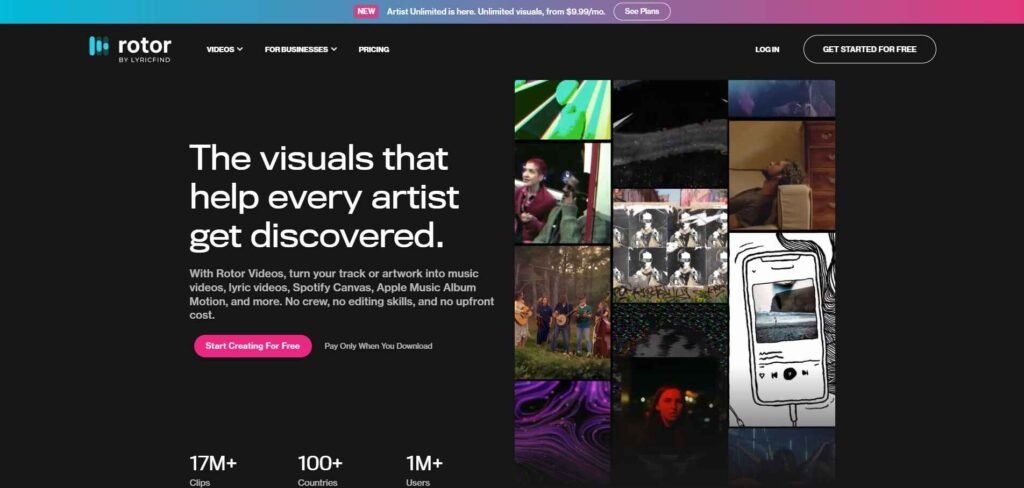
Rotor Videos is an automated music-video editor for musicians who already have performance footage, photos, artwork, or stock clips. It analyses your song and arranges the selected visuals around its rhythm, editing style, and timing.
This helps independent musicians create a finished music video, lyric video, or promotional clip without spending hours cutting scenes manually on a timeline.
Basically, Rotor uses your uploaded audio as the editing guide, then selects and sequences your footage so visual changes follow the song’s structure. Then, you can review the result, replace clips, and adjust the final edit before publishing.
That makes Rotor useful for artists who want to work with real footage instead of generating every scene with AI.
Best for
- Musicians with existing performance footage
- Artists who want to use stock video clips
- Lyric videos and artwork videos
- Promotional clips for new releases
- Creators who want automatic editing around a song
Freebeat vs Rotor Videos: A Close Look
| Freebeat | Rotor Videos |
|---|---|
| Generates AI visuals from a song | Edits uploaded and stock footage |
| Best for new visual concepts | Best for real-world footage and performances |
| More focused on AI-generated scenes | More focused on automated editing |
| May require reviewing generated visuals | Gives you control over the source material |
| Useful for stylized music videos | Useful for lyric, artwork, and promo videos |
What Makes Rotor Videos a Strong Alternative to Freebeat
Freebeat focuses on generating new AI visuals from a song, while Rotor Videos is better when you already have footage, photos, or artwork ready to use.
This is why Rotor Videos appears as a strong alternative to Freebeat when you want to turn your existing footage into a finished music video without manually arranging every clip. It may not offer the same level of AI scene generation, but it gives you more control over the footage representing your music.
5. Runway: Best Freebeat Alternative for Cinematic Music-Video Scenes
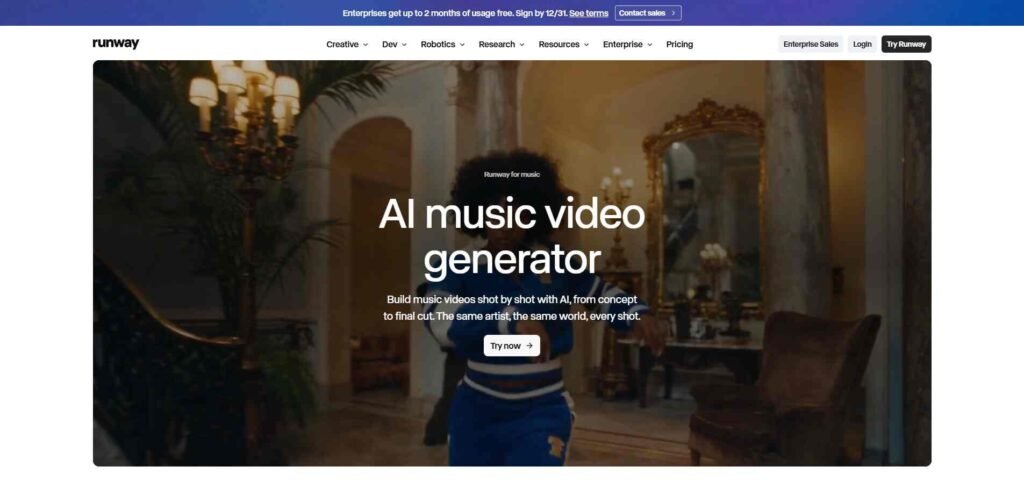
Runway is an AI video-generation platform for musicians who want to create cinematic music-video scenes from text prompts and reference images. It generates individual shots with directed camera movement, lighting, locations, character actions, and visual styles.
This helps you create a more intentional visual story instead of relying on random clips generated around a song. Runway works by turning your written direction or reference image into short video scenes, which you can later arrange around your music in an editor.
That makes Runway useful for musicians who want to control how each scene looks, but it also means you must handle the final beat synchronisation, scene order, and full-video editing yourself.
Best for
- Musicians who want cinematic music-video scenes
- Artists with a clear visual concept or storyboard
- Creating realistic camera movement and atmosphere
- Experimental storytelling and character-based videos
- Creators comfortable with editing individual clips
Freebeat vs Runway: A Close Look
| Freebeat | Runway |
|---|---|
| Starts with the song and generates matching visuals | Starts with prompts, images, or scene ideas |
| Focuses on automatic music-video creation | Focuses on individual cinematic shots |
| Faster for simple music visualizers | Better for directed storytelling |
| Less control over each generated scene | More control over camera, lighting, and action |
| Easier for beginners | Requires more editing and planning |
What Makes Runway a Strong Alternative to Freebeat
Freebeat is designed to create music-led visuals quickly, while Runway gives you more control over how each scene looks and feels.
On Runway, you can describe the exact location, camera movement, lighting, character action, and visual style rather than just relying on automatic beat-based generation.
This is why Runway is a strong Freebeat alternative when you want cinematic control and original storytelling.
However, it does not automatically create and synchronise your entire music video around your song. You will need to handle the final editing and timing yourself.
6. CapCut: Best Freebeat Alternative for Social-Media Music Videos
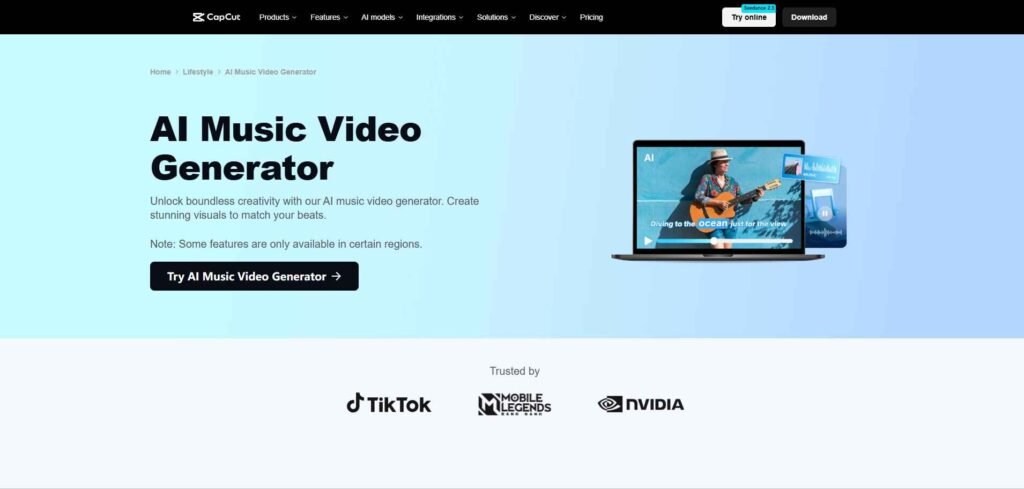
CapCut is a video-editing platform that helps musicians turn performance footage, photos, album artwork, and generated clips into short music videos. It has timeline editing with templates, transitions, effects, captions, and beat-sync tools.
This helps you create promotional music videos, lyric clips, TikToks, Instagram Reels, and YouTube Shorts without learning advanced editing software.
CapCut analyses your song or uses beat-sync templates to place visual changes around the music, while its timeline lets you adjust each clip manually.
That makes CapCut useful for creators who want a simple way to edit and publish music content quickly on various social platforms.
Best for
- TikTok, Instagram Reels, and YouTube Shorts
- Lyric videos and music announcements
- Artists with existing footage or images
- Quick beat-synced promotional clips
- Beginners who want hands-on editing control
Freebeat vs CapCut: A Close Look
| Freebeat | CapCut |
|---|---|
| Generates new visuals around a song | Edits footage, images, and generated clips |
| More automated music-video creation | More hands-on timeline control |
| Better for AI-generated visual concepts | Better for social-media editing |
| Less focused on manual adjustments | Includes captions, effects, and transitions |
| Useful for full music-video concepts | Strong for short promotional content |
What Makes CapCut a Strong Alternative to Freebeat
As we already know, Freebeat is designed for an automated, music-first workflow, where you provide the song, and the platform helps generate visuals around its rhythm.
But here, CapCut works in a different way. It gives you a hands-on editing workspace where you can import your own media, place it on a timeline, and adjust every cut around the song.
Its beat-sync templates can help you match scene changes to the music quickly, while manual timeline controls let you fine-tune the exact moment a clip changes, a lyric appears, or an effect starts.
So, CapCut is a strong Freebeat alternative when your priority is editing control, fast repurposing, and social-media publishing.
Which Freebeat Alternative Should You Choose?
This is very subjective and depends purely on your needs and choice. But, as we’re talking about some useful alternative options to the Freebeat AI music generator, I’ll simplify it so that you make decisions in a better way.
- Choose InVideo Agent if you want to create a story-driven music video from a written concept, script, or creative direction.
- Choose Kaiber if you want experimental visuals, reference-media support, and beat-synced animation.
- Choose Neural Frames if your visuals need to respond to drums, bass, vocals, stems, or specific changes in the song.
- Choose Rotor Videos if you already have performance footage, stock clips, photos, or artwork and want automatic editing.
- Choose Runway if you want cinematic scenes with control over camera movement, lighting, characters, and atmosphere.
- Choose CapCut if your main goal is to create lyric videos, TikToks, Reels, and YouTube Shorts with simple editing tools.
| Your main goal | Tool to consider |
|---|---|
| Create a music video from a written story | Invideo Agent |
| Generate artistic visuals with music synchronization | Kaiber |
| Create animations that react to individual instruments | Neural Frames |
| Turn stock footage into a music video | Rotor Videos |
| Generate detailed cinematic scenes | Runway |
| Edit music teasers and social media clips | CapCut |
Now, I think you get the idea of which AI music video generator you need over Freebeat and the reason for choosing it.
8 Common Mistakes You Unconsciously Make When Creating Your AI Music Video
Here are the 8 common mistakes that you generally make when creating your AI music videos
1. Choosing a Tool Only for Beat Synchronisation
Beat sync is useful, but it does not guarantee a good music video. If the visuals feel random or do not support the lyrics and mood, the final result may still look disconnected.
2. Using Random Prompts for Every Scene
Changing the character, location, and art style in every prompt often creates an inconsistent music video. You should first define the visual style, character details, colour palette, and setting before generating multiple scenes.
3. Trying to Create the Entire Video in One Generation
Long music videos usually need several scenes, transitions, and revisions, and one-click full music videos are not yet trusted. So, generate shorter clips, review them, and then assemble them in an editor, especially for songs longer than a Short
4. Ignoring the Song’s Structure
Your visuals should respond to the intro, verse, chorus, bridge, drop, and ending. Always plan major visual changes around your song’s structure and do not change scenes at random intervals.
5. Overusing Flashy Effects
Too many transitions, camera movements, and visual effects can distract from the music. So, try to use effects to support the emotion of your song rather than making every second look busy.
6. Forgetting Human Movement and Lip-Sync Quality
AI-generated faces, hands, dancing, and lip-sync can still look unnatural. So, always review close-up shots before publishing to your social platforms, especially when the video includes a singer or performer.
7. Wasting Credits on Unplanned Generations
Generating scenes without a clear storyboard can quickly consume your credits, and this is why it’s better to write the scene order first, then create only the music clips you need.
8. Publishing Without Manual Editing
This is one of the most important sections because the best-looking AI music video usually needs human editing. So, always check your music video before publishing.
So, we’ve discussed about the six best alternative options to the Freebeat AI music video generator and also learned why each tool differs from Freebeat.
We’ve also discussed some of the major areas of AI music video creation, like common mistakes to avoid while creating AI songs.
Here, the important thing is to look beyond automatic generation.
To be honest, a good AI music video needs consistent characters, natural movement, visuals that follow the song’s mood, and enough editing control to make your final result feel intentional.
This is why you should start with the workflow that matches your music, test a short section first, and only then create the full video.
I think that approach helps you avoid wasting credits on visuals that look impressive but do not belong to your song.
Have a good day.
Frequently Asked Questions
What are the best Freebeat alternatives for AI music videos?
The best alternative options are InVideo Agent, Kaiber, Neural Frames, Rotor Videos, Runway, and CapCut. If you want deeper creative control then it’s better to go with InVideo Agent for more creative control.
Which Freebeat alternative is best for independent musicians?
InVideo Agent is useful for cinematic storytelling for independent musicians. Kaiber is a strong choice for independent musicians who want beat-synced visuals, animation, and reference-media support. CapCut is better if you already have footage and mainly need quick editing for social media.
Can AI create a music video without filming?
Yes. AI music video generators can create scenes and animations from text prompts, images, or uploaded songs. Other platforms can build music videos using stock footage and existing photographs. However, you should still review the scenes because character consistency, movement, and lip-sync may need correction.
Which Freebeat alternatives support beat synchronisation?
Kaiber and Neural Frames support music-based synchronisation. Kaiber’s Beat Sync arranges visuals around an uploaded track, while Neural Frames allows artists to connect visual effects with individual musical elements. CapCut also offers beat-sync templates for editing existing clips.
Can I upload AI-generated music videos to YouTube?
Yes, provided you have the necessary rights to the music and visual content. Review the AI platform’s commercial-use terms and YouTube’s rules before publishing.