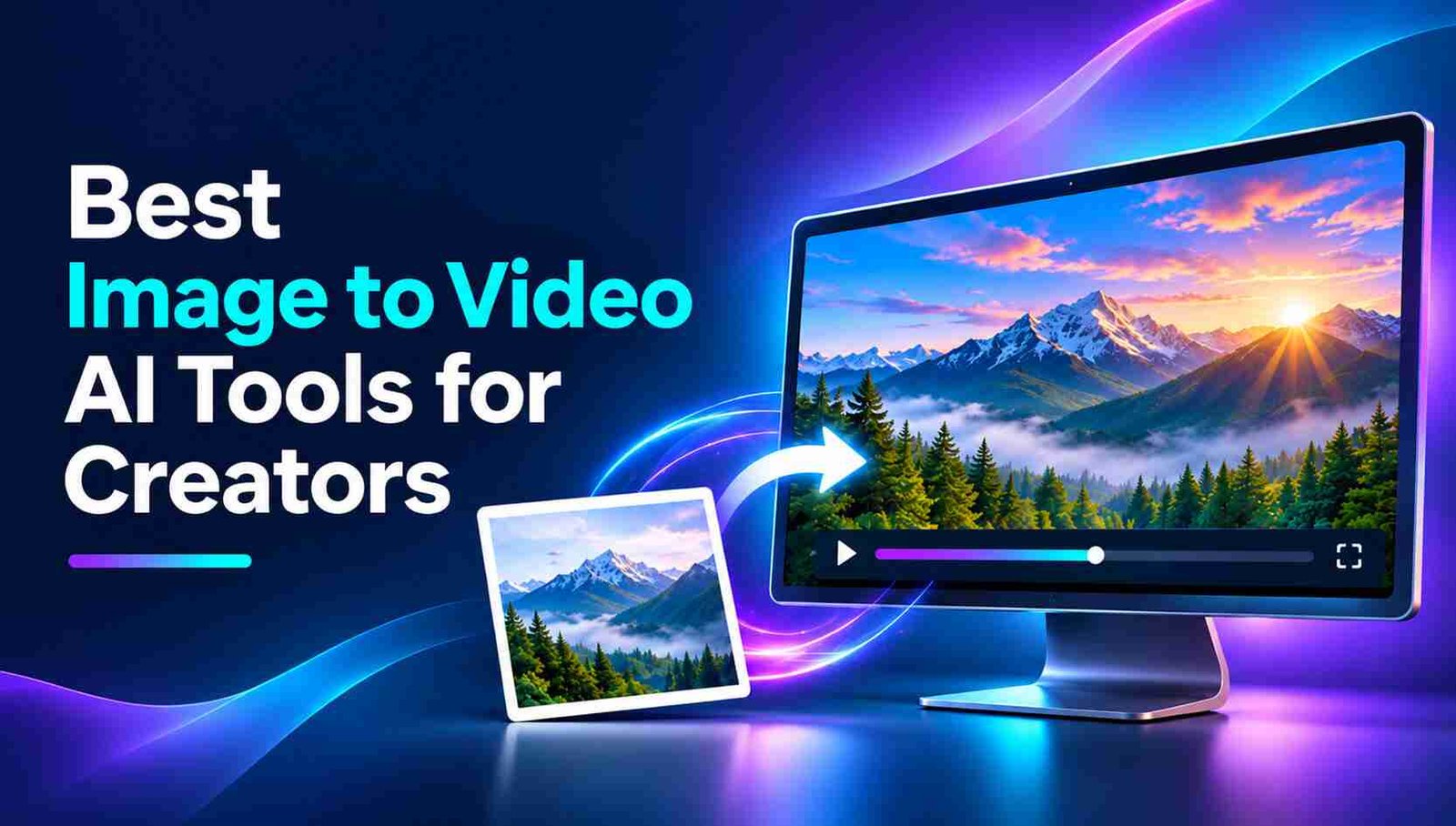
Image to video AI tools flooded the market in 2027, but that creates another problem to creators. They are literally confused about which one to choose and which one to ignore.
Some of you may have tried one or two so called best image to video AI tools for creators that frequently give you errors saying ‘Please try again’… lol.
I know this because I have tested multiple AI video tools for social platforms, and this is why this post is really important.
Here, you’ll get
- 5 best image to video AI tools for content creators who want to animate an existing image with controlled, realistic motion
So, let’s start
Table of Contents
What Makes an Image-to-Video AI Tool Worth Using?
Almost every image-to-video generator promises realistic movement and cinematic results. But when you’re working on actual content, a few details matter much more than impressive sample videos.
Here are a few important areas that you should care about before making any decision
Does the Movement Look Natural?
Good animation should feel like the movement belongs in the original scene.
If you’re animating a portrait, small movements such as blinking or turning the head should look believable. For landscapes, moving clouds, flowing water, or subtle camera motion can be enough to make the scene feel alive.
The best tools avoid unnecessary movement. If the model adds exaggerated body motion, distorted hands, strange facial expressions, or random background changes, the clip may look more artificial than the original image.
Can You Control the Camera?
Camera movement changes how your viewers experience an image.
A slow zoom can draw attention to a product. A sideways pan can reveal more of a landscape. A gentle orbit can help present an object from a different perspective.
Look for features such as motion prompts, zoom and pan controls, camera settings, keyframes, or first-and-last-frame references. These controls make your result more predictable than relying on automatic movement alone.
Does the Original Image Stay Consistent?
This is especially important for product photographs, portraits, and branded content, and I think subject preservation is one of the most important tests here.
If you’re creating an advertisement, the AI shouldn’t change the product’s shape, packaging, or logo. Likewise, a generated portrait animation should preserve the person’s recognisable features.
Plus, you should also check the tool’s render speed, credit policy, and free-tier limits.
The best image-to-video AI tool is the one that gives you controlled, usable footage for your specific project.
Quick Comparison of the Best Image-to-Video AI Tools
| Tool | Best for | Main focus |
|---|---|---|
| Invideo Agent | Complete videos from images | Image animation, cinematic motion, and editing |
| Adobe Firefly | Controlled camera movement | Frame references and motion settings |
| Luma Dream Machine | Cinematic photo animation | Keyframes and scene movement |
| Leonardo AI | Digital artwork and illustrations | Image generation and animation |
| Canva | Social media and branded content | Photo animation and video design |
1. Invideo Agent: Best for Turning Images Into Complete Videos
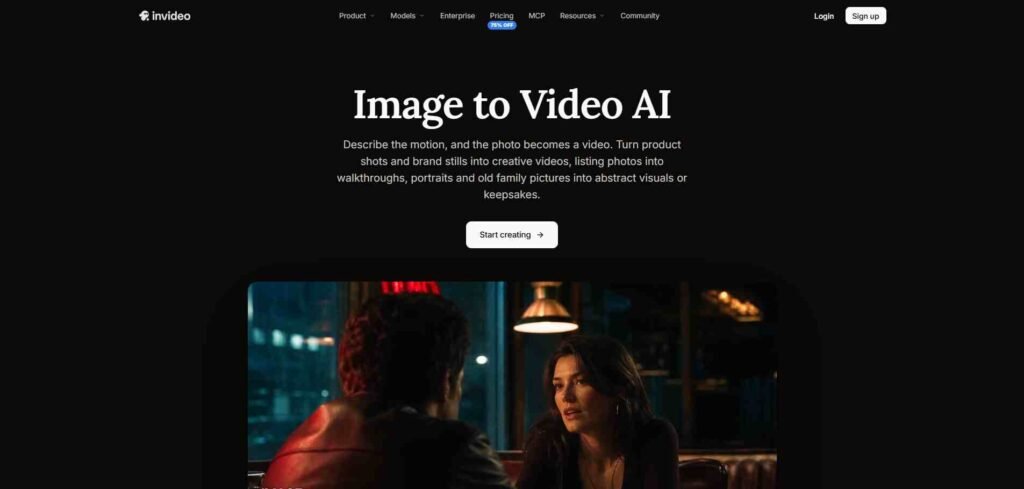
Invideo Agent is an AI filmmaking platform that helps creators transform still images into animated video scenes. It is particularly useful when you want to do more than generate a short clip and need to build a complete video around your visuals.
The process starts with an image and a description of the movement you want. You can explain how the camera should move, what should happen in the background, and how the scene should feel.
With InVideo’s image-to-video AI, you can animate photographs and illustrations using camera movements such as pan, zoom, and tilt. The platform also supports video generation in up to 4K resolution with suitable models and settings.
What makes this workflow useful is that you don’t have to stop after generating one clip. You can combine animated images with additional scenes, voiceovers, background music, and editing instructions.
2. Adobe Firefly: Best for Creators Who Want More Camera Control
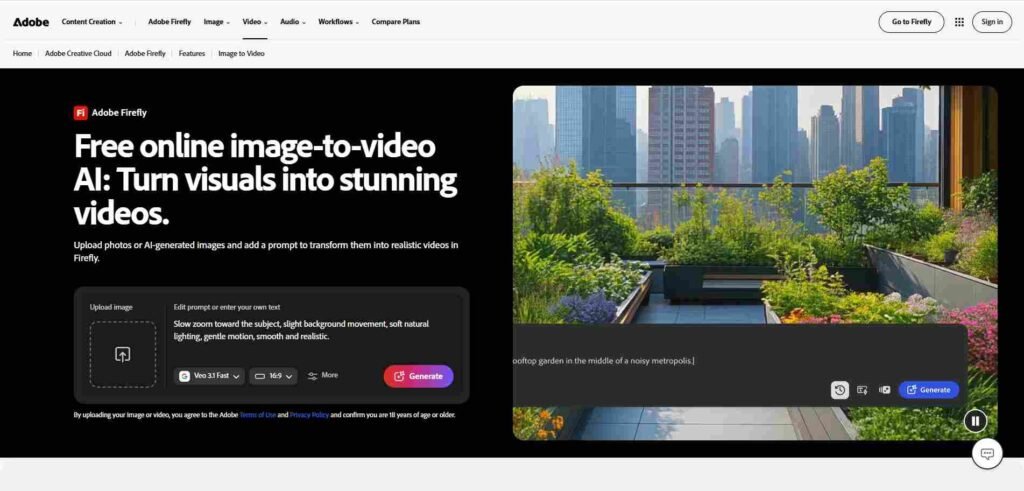
Adobe Firefly is designed for creators who want greater control over how still images become moving scenes.
Its image-to-video workflow allows users to upload an image, describe the desired movement, and adjust camera settings. Creators can also provide starting and ending frames to guide the generated video.
Firefly allows creators to work with camera movements such as zooming, panning, and tilting. These controls help guide the shot without relying entirely on a broad text description. Its starting and ending frame options are useful for planning transitions. You can provide an image that establishes the opening composition and another that guides the final frame.
Firefly is a practical option for photographers, designers, and video professionals who need generated footage that can later be included in a larger production.
3. Luma Dream Machine: Best for Cinematic Photo Animation
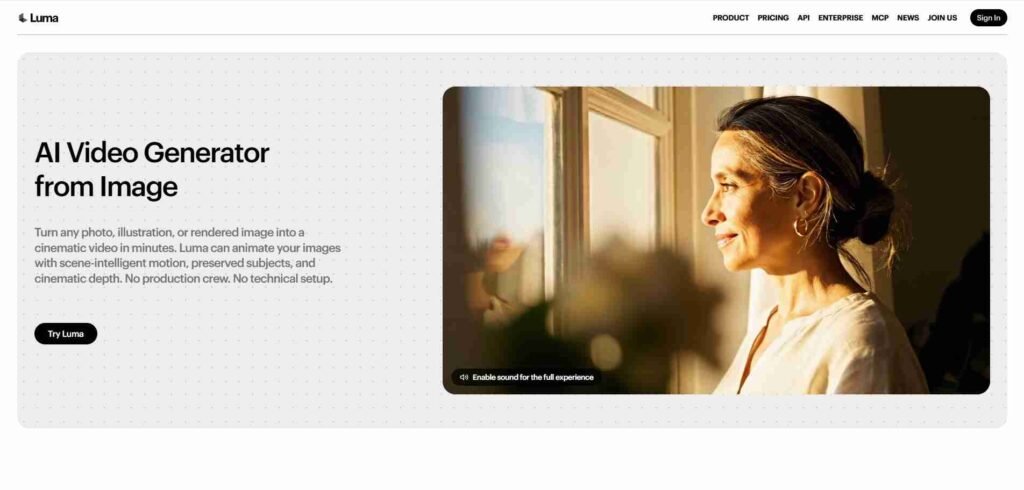
Luma Dream Machine is another option for creators who want to add movement to photographs and visual concepts.
The platform supports image-based video generation, motion prompts, and keyframes that help guide how a scene develops.
This approach works well for photographs that already have strong lighting, depth, or composition. Dream Machine allows creators to describe camera behaviour and guide animation using image references.
Its keyframe workflow can also help create transitions between different visual states. Luma also supports extending generated clips, which can help creators develop a visual sequence beyond the initial animation.
Still, it’s important to keep expectations realistic. A single photograph doesn’t reveal every side of an object or location. When the camera moves into an area that wasn’t visible in the original image, the AI has to generate those missing details.
4. Leonardo AI: Best for Bringing Digital Artwork to Life
Leonardo AI is useful for creators who work with illustrations, concept art, fantasy environments, and AI-generated images. Unlike someone animating a real photograph, a digital artist may want movement that follows an imaginary world rather than everyday reality.
Leonardo supports image generation and video creation, allowing creators to develop visual concepts and then bring selected images into motion.
Leonardo’s video generation tools can create an animated interpretation of that artwork.
One advantage of this workflow is the ability to develop the reference image before generating video. Creators can experiment with colours, lighting, character appearances, and composition until they have a starting image they like.
For projects involving recurring characters or locations, maintaining a consistent reference style is important.
5. Canva: Best for Social Media and Branded Video Content
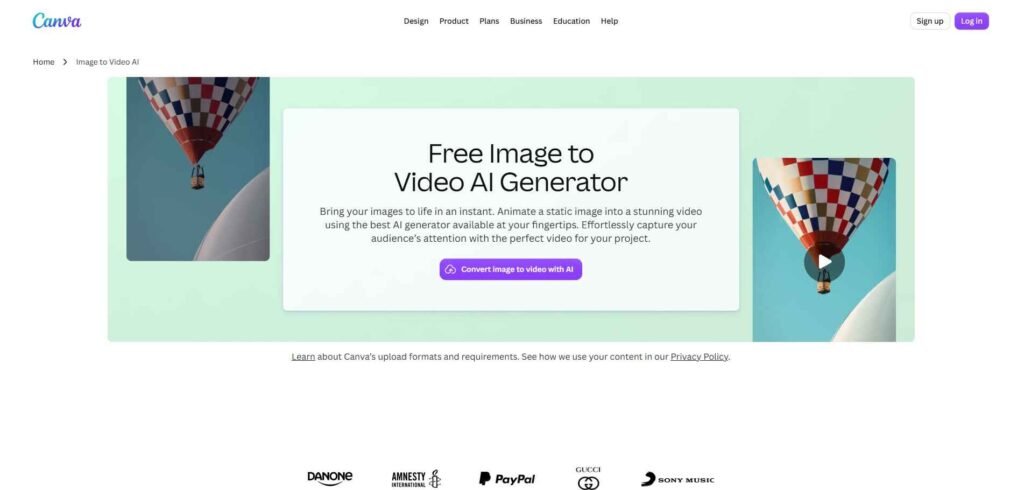
Canva takes a different approach to image-to-video creation. Rather than focusing only on cinematic animation, it combines AI image animation with templates, graphic design, and video editing.
This makes it useful for creators who already work with photographs, graphics, and branded content. Canva’s Image to Video feature can animate an uploaded image with subtle motion. Its Smart mode applies movement automatically, while Custom mode allows users to describe the motion they want.
An important distinction is that Canva’s Image to Video feature and Magic Video serve different purposes. One animates a still image, while the other helps arrange existing visual materials into a video.
So, Image-to-video AI has opened up new possibilities for creators who want to turn photographs, illustrations, and visual concepts into moving content.
Invideo Agent supports building complete videos from animated images, while Adobe Firefly and Luma Dream Machine offer tools for guiding camera movement. Leonardo AI and Canva provide a practical workflow for branded social media content.
Basically, the right tool depends on what you’re creating, how much control you need, and what you plan to do with the generated footage.
However, before paying to any of these platforms, always test each tool with the type of image you actually use. Check whether it preserves faces, hands, products, logos, and characters, and confirm how credits, watermarks, render times, and failed generations are handled.
Overall, the best image-to-video AI tool is the one that gives you a predictable, usable clip for your workflow.
What is the best image-to-video AI tool for beginners?
Invideo Agent and Canva are approachable options for different needs. Invideo Agent supports image animation and complete video creation, while Canva is useful for short animated clips and branded content.
Can AI turn a single photo into a video?
Yes. Image-to-video AI tools can create movement from a single photograph by generating camera motion, subject animation, or environmental effects.
Which AI tool is best for animating illustrations?
Leonardo AI is useful for artistic image animation. They support workflows built around reference images, creative prompts, and generated visuals.
Can image-to-video AI generate realistic human movement?
AI video models can generate realistic movement, but results vary. Complex actions, hands, facial expressions, and interactions between people may still need careful review.
Can I use AI-generated videos for marketing?
Yes, provided you have the necessary rights to the original images and the generated content meets the platform’s commercial-use terms. Always check product accuracy before publishing advertisements.